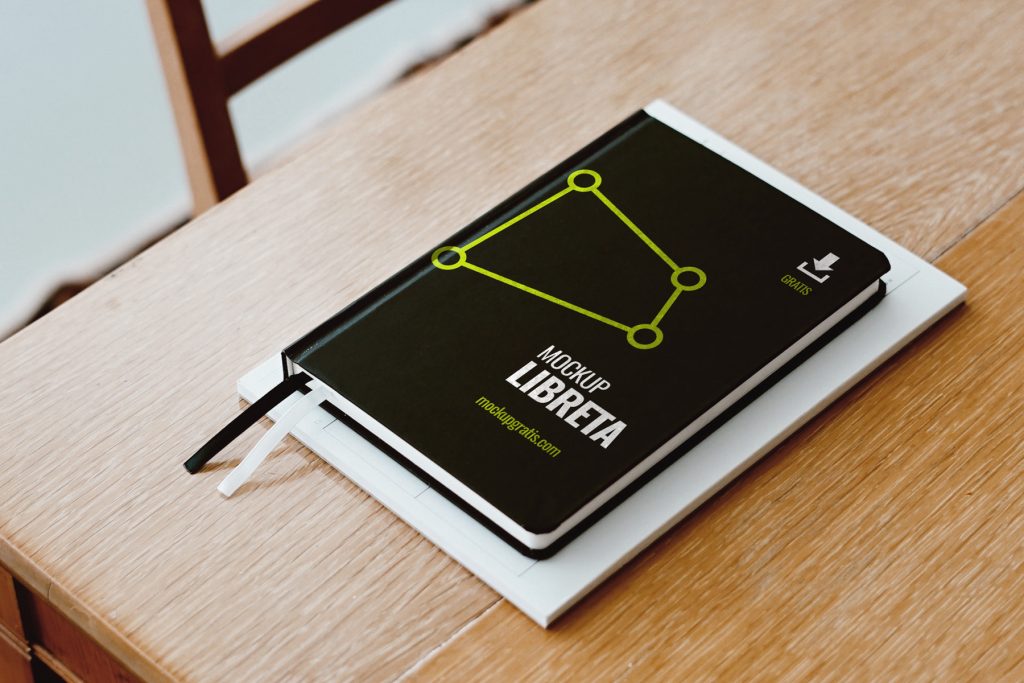
Here’s a new mockup fresh out of the oven: an A5 notebook, straight into our collection of book and notebook mockups. Download it with the button at the bottom of this post. To use it, unzip the file and open the PSD in Adobe Photoshop. Once it’s open, find the smart object in the Layers panel and replace its content with the logo or design you want on the notebook.
- Format: Adobe Photoshop CC (.psd)
- Dimensions: 3000x2000px 72dpi
- Price: Free
Don’t forget to leave a comment!
Uses for this notebook mockup
A custom notebook is a merch classic: corporate gifts, welcome packs, conference materials or products for a stationery shop. This A5 notebook mockup lets you show the cover design without printing a sample.
How to apply your design to the cover
Open the PSD, find the smart object in the Layers panel and double-click it. Paste your logo, illustration or a full pattern, save your changes and go back to the main file to see the finished notebook.
Specifications
3000 x 2000 px PSD at 72 dpi, a resolution designed for on-screen presentations, portfolios and social media. The notebook is A5, one of the most common sizes for notebooks and planners.