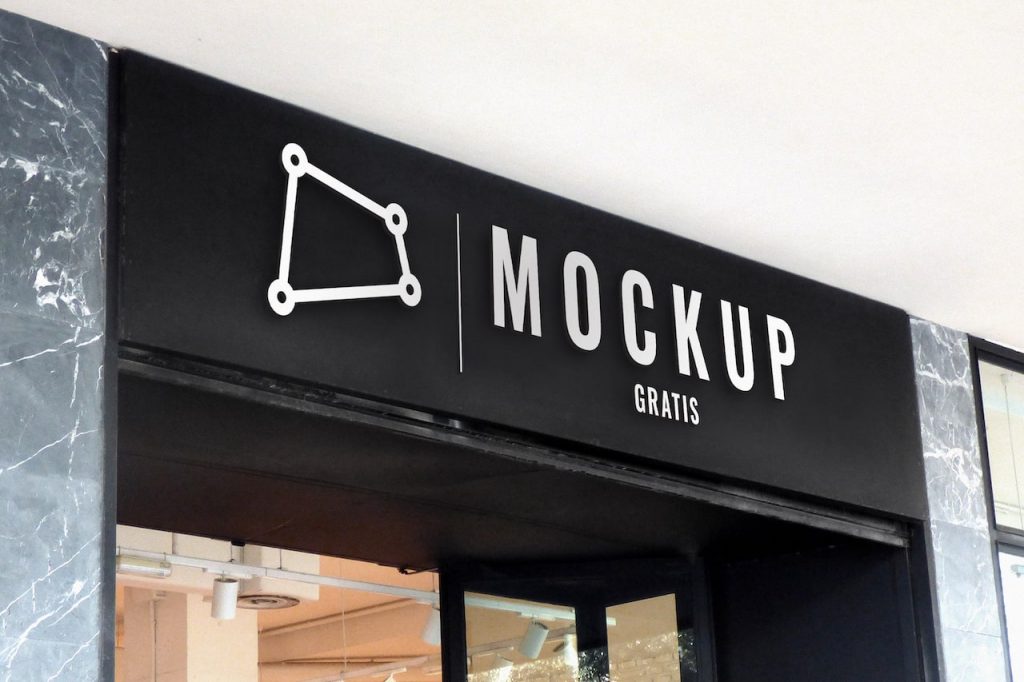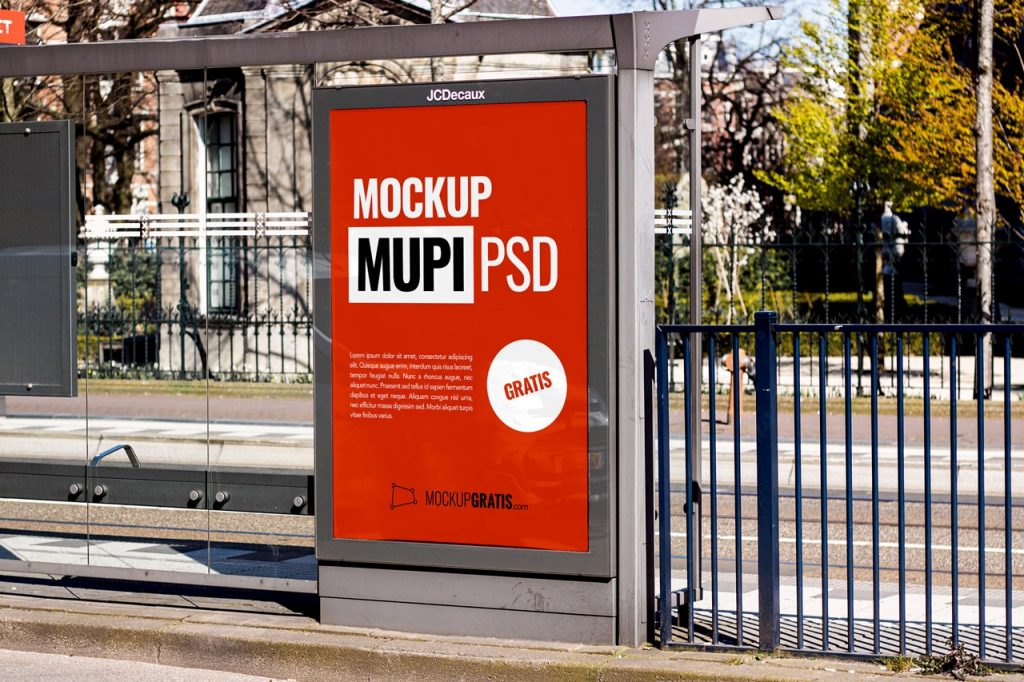
Here’s a new mockup of an ad at a bus stop. It’s a high-resolution (300 dpi) Adobe Photoshop file that’s very easy to use: to place your ad design, just edit the content of the smart object in the Layers panel. As you can see, an advertising mockup that’s very easy to use and will surely come in handy.
What do you think of this mockup? Don’t forget to share it if you liked it!
- Format: Adobe Photoshop CC (.psd)
- Dimensions: 3000x2000px 300dpi
- Price: Free
MUPI or bus shelter ad
A MUPI is the backlit poster at bus stops, also known as a bus shelter ad. It’s one of the most common displays in urban campaigns, and this mockup lets you show the ad at street level. If you prefer the freestanding unit without the shelter, there’s the advertising MUPI mockup.
How to place your poster
Open the PSD in Photoshop, find the smart object in the Layers panel and replace its content with your ad. Save and close: the design blends into the bus shelter in the photo, with its perspective and light.
Size and format
The MUPI poster is vertical, so prepare your design in that format. The file is a 3000 x 2000 px PSD at 300 dpi, free for personal and commercial use.