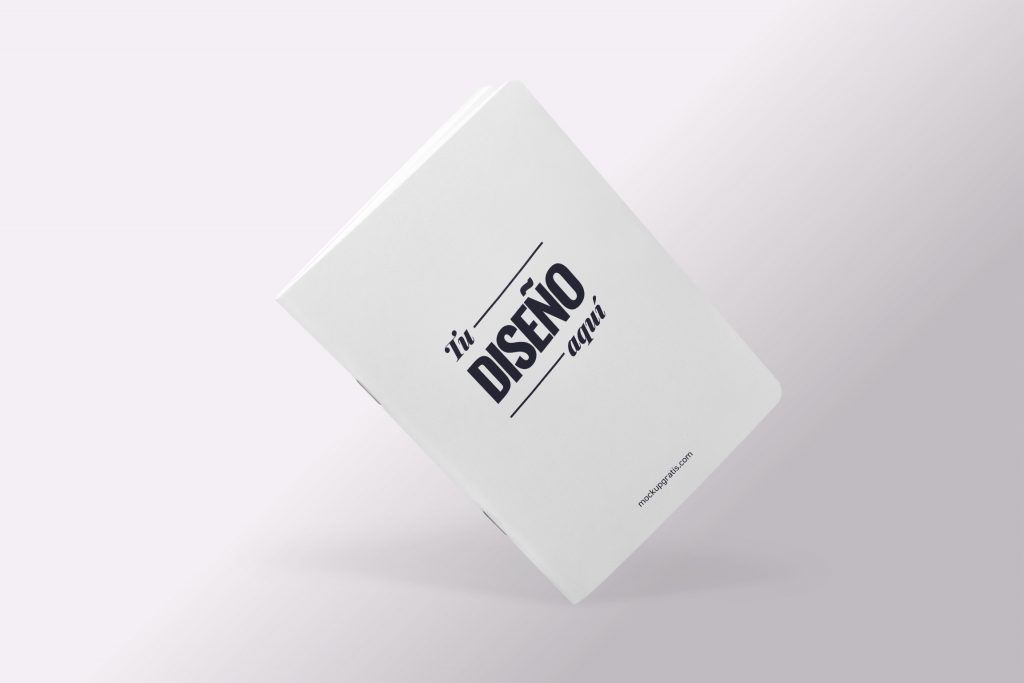
A new paper notebook mockup made in Photoshop from a photograph. It’s a very easy-to-use resource showing a paper notebook floating on a simple background. To download it, just click the button right below. Unzip the file and open the PSD in Adobe Photoshop or another compatible image editor.
To edit the mockup, as always, double-click the smart object in the Layers panel and replace its content with your design. And if you liked it, you’ll surely like these merch mockups we’ve prepared for you too.
- Format: Adobe Photoshop CC (.psd)
- Dimensions: 3000x2000px 72dpi
- Price: Free
We really appreciate it if you leave us a comment below if you found it useful, and share this post to help us spread the word :D
Uses for this notebook mockup
With this notebook mockup you can show a notebook cover, a company’s merch or a custom planner design. It’s a very common format for corporate gifts, welcome kits and stationery shops.
How to edit it
Double-click the smart object in the Layers panel, place your cover design and save. The notebook floats on a simple background, so all the attention goes to your work.
Format and license
High-resolution PSD, ready for Adobe Photoshop. You can use it for free in personal and commercial projects, no attribution required.