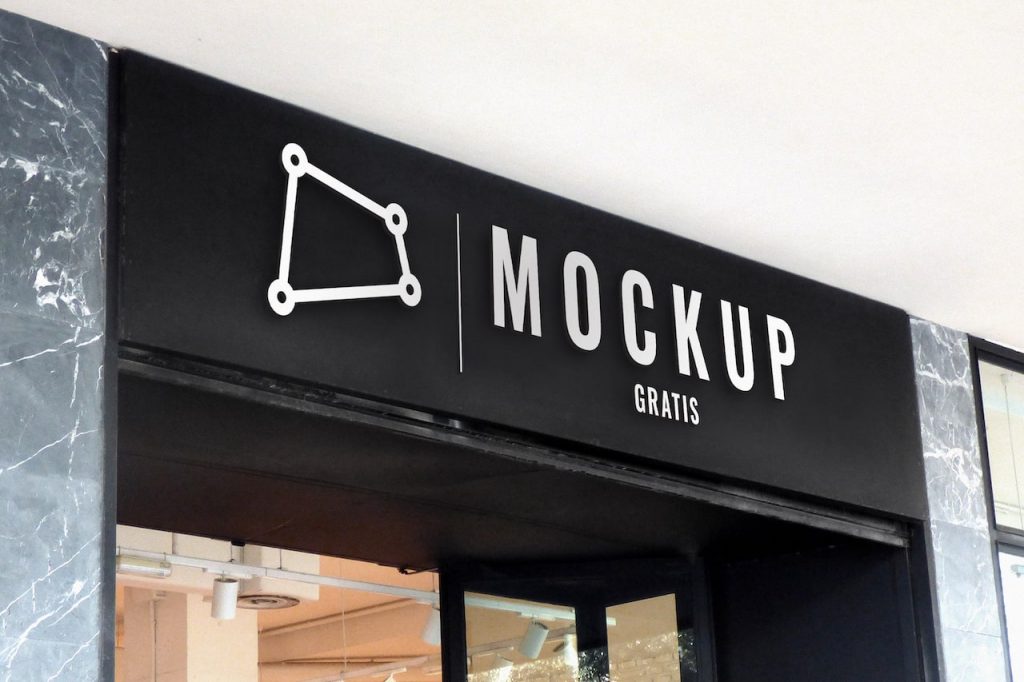
Here’s a simple outdoor signage mockup you can easily customize with your logo designs. It’s a PSD file designed in Adobe Photoshop that includes a smart object to edit with your design. Download it for free with the button just below. To edit this signage mockup, you’ll need to open it in Photoshop or another program that supports .psd files.
Did you like this resource? It helps us a lot if you leave a comment or share this post ;)
- Format: Adobe Photoshop CC (.psd)
- Dimensions: 3000x2000px 300dpi
- Price: Free
Signage, sign or notice
Outdoor signage is a business’s calling card: it shows where the business is and reinforces the brand. This signage mockup helps you show how the logo will look out on the street.
How to place your logo
Open the PSD in Photoshop or a program that supports .psd files, double-click the smart object and paste in your logo. When you save, the design blends into the sign with the image’s perspective.
Tips for outdoor signage
A sign is read from a distance and in passing: use simplified versions of the logo, few elements and good contrast with the background. The 3000 x 2000 px, 300 dpi mockup lets you check it before producing the piece.